Choosing between two industrial PC starting points for edge control, SCADA, or digital signage usually comes down to one simple question: how much of the system do you want to assemble yourself? The listed prices also make the fork clear: USD 51.00 for the compact Seneca XK-FLX-V2 and USD 212.98 for the Dell Precision T7910, a USD 161.98 spread. One is a small-footprint unit with memory already in place; the other is a larger desktop base that arrives without a full component set.
Quick Verdict
Pick the Seneca if you want a small-footprint unit at the lower end of the price range and are comfortable completing the system. Pick the Dell if you want a more powerful compute base and a conventional desktop layout. If you already have compatible parts waiting, the Dell becomes more attractive; if you're starting from scratch, the Seneca leaves more room in the budget for the parts you still need. The comparison table below gives you the key details at a glance.
Comparison at a Glance
| Product | Listed Price | Price Bar | Core Setup |
|---|---|---|---|
| Seneca XK-FLX-V2 | USD 51.00 | USFF industrial PC, Intel Celeron N3060, 4GB RAM, no drive/OS | |
| Dell Precision T7910 | USD 212.98 | Tower, Intel Xeon E5-2620 v3 6-Core 2.40GHz, no RAM/GPU/HDD/OS |
Where Each Product Wins
Seneca XK-FLX-V2 wins on entry cost and footprint. Its lower listed price keeps the initial investment modest, and the compact format fits tight panels, signage enclosures, or control cabinets where space is limited.
Dell Precision T7910 wins on processing potential and layout. The larger layout is positioned for heavier tasks than the compact Seneca, and the processor is in a different performance class.
Product Notes
Seneca XK-FLX-V2 Intel Celeron N3060 4GB No Drive/OS Digital Signage Player/USFF
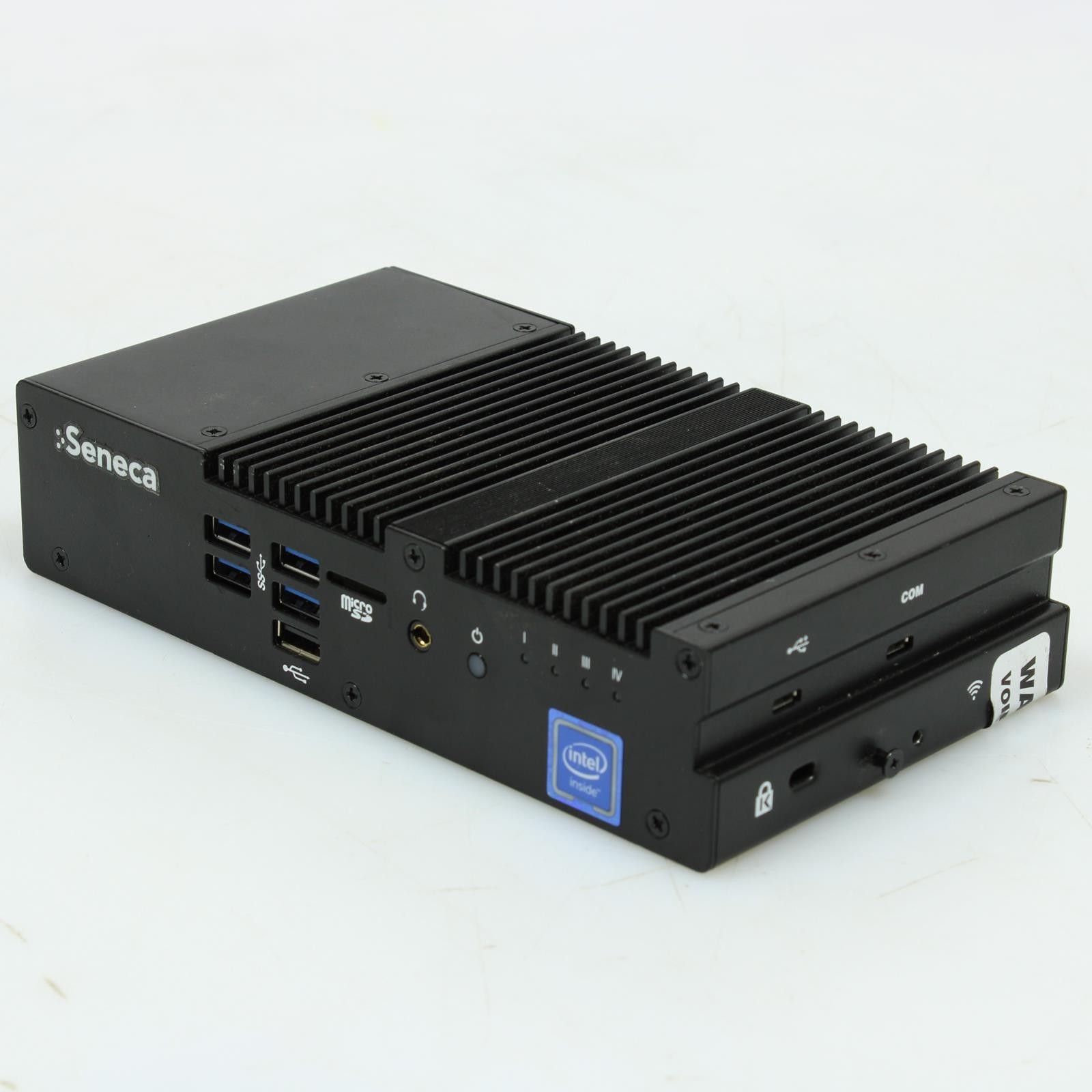
The Seneca arrives as a used industrial PC in a compact USFF form factor. It has an Intel Celeron N3060 with 4GB RAM already installed, so memory is handled before you start. The title makes clear there is no drive or OS included, so you'll need to provide those to boot the system. Bluetooth is not included, which matters if your edge control or signage layout relies on wireless connection. The unit includes a 30-day warranty. This is a sensible starting point if you want a lower initial outlay, a small footprint, and a simple path to adding your own storage and operating system.
Dell Precision T7910 Intel Xeon E5-2620 v3 6-Core 2.40GHz - NO RAM/ GPU/ HDD/ OS
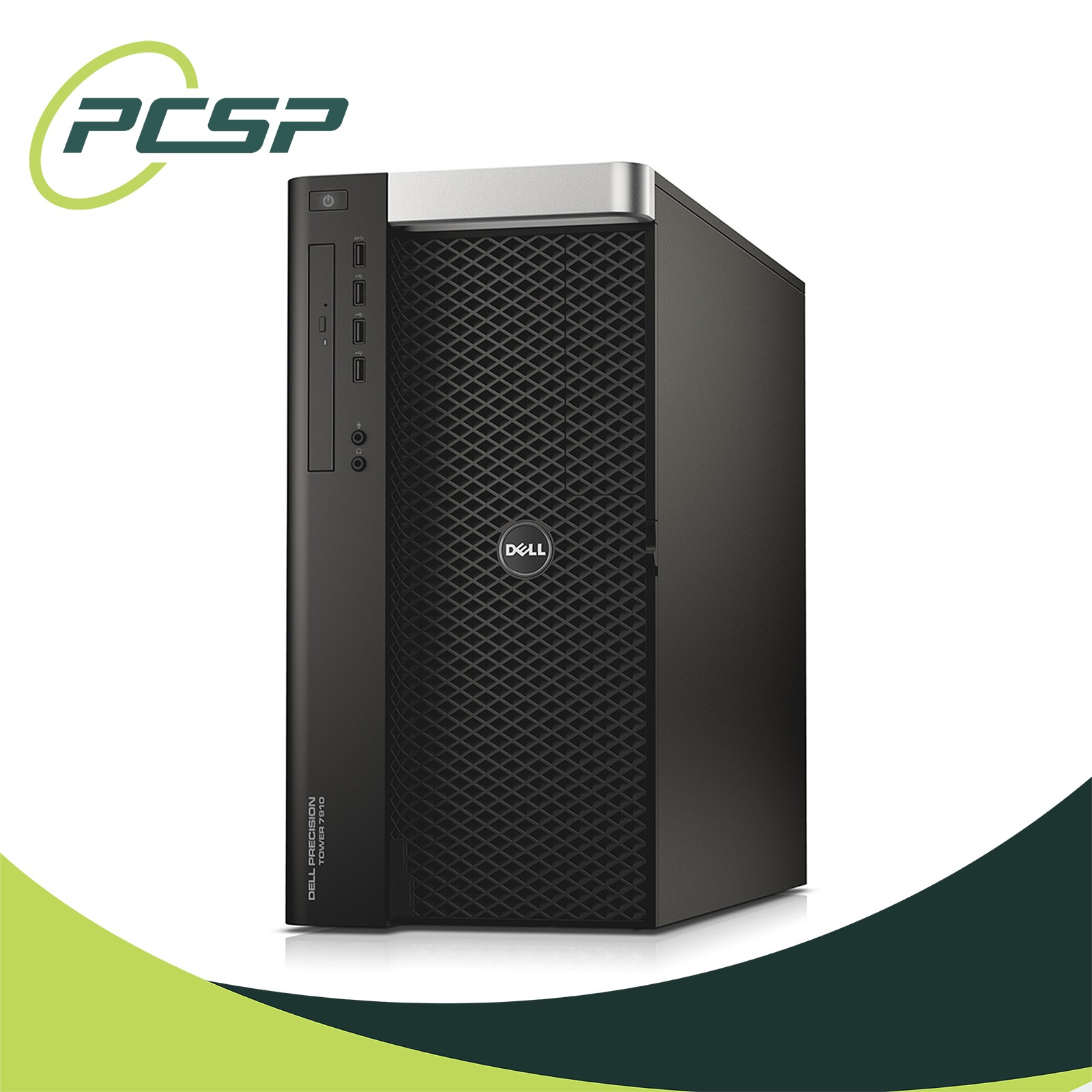
The Dell Precision is listed as Excellent - Refurbished and centers on an Intel Xeon E5-2620 v3 with six cores at 2.40GHz and Hyper-Threading. The tower form factor includes USB 2.0, USB 3.0, RJ-45, and USB-A connectivity, giving you a familiar desktop base. The trade-off is in the title: no RAM, no GPU, no HDD, and no OS are included. That means you can choose your own memory, graphics, storage, and operating system, but you also need to source them before the system can run. If you already have compatible parts or a clear upgrade path, the Dell's processing headroom makes the higher price more justifiable. If you need something to run immediately, this is not the listing for you.
Final Choice by Use Case
- For a compact, lower-priced start: Seneca XK-FLX-V2
- For a more powerful desktop base: Dell Precision T7910
- For a small enclosure or signage layout: Seneca XK-FLX-V2
- For a build where processing headroom matters more than immediate readiness: Dell Precision T7910