When you're shopping for PLCs and HMIs, the two parts often share a control cabinet but not a job. An HMI touch panel is the operator's window into the machine; a PLC is the logic brain that makes the machine run. So the first decision is not which brand is more impressive-it's whether your build needs a way to display and control or a way to execute logic. This head-to-head compares the Siemens 6AV6641-0CA01-0AX1 HMI touch panel with the Mitsubishi FX3U PLC to help you buy the right piece first.
Quick verdict
If your operators need a live view of machine status, the Siemens HMI panel is the clearer match. If you need the actual controller that runs the sequence and you want the lower price in this pairing, the Mitsubishi FX3U PLC is the straightforward pick. Both are new, so condition isn't the differentiator.
| | Siemens 6AV6641-0CA01-0AX1 | Mitsubishi FX3U-32MT/ES-A |
| Price | USD 685.35 | USD 116.96 |
| Product Type | Touch Panel | PLC Processor Module |
| Controller Platform | Simatic | Programmable Logic Controller |
| Condition | New | New |
Where each product wins
The Siemens HMI wins when the missing piece is the operator interface. It is a Simatic touch panel with a German country of origin, so it fits naturally into a Simatic-based setup and gives operators a hands-on way to interact with the machine. It is not a PLC, though-if the control logic is also missing, the panel alone won't run the process.
The Mitsubishi FX3U PLC wins when you need the controller itself. It is a PLC processor module and carries the lower price in this comparison, which makes it a sensible starting point for a control panel on a budget. The trade-off is that it is not a display: operators won't have a touch screen to monitor or interact with the process until you add an HMI.
Product notes
Siemens 6AV6641-0CA01-0AX1 HMI Touch Panel
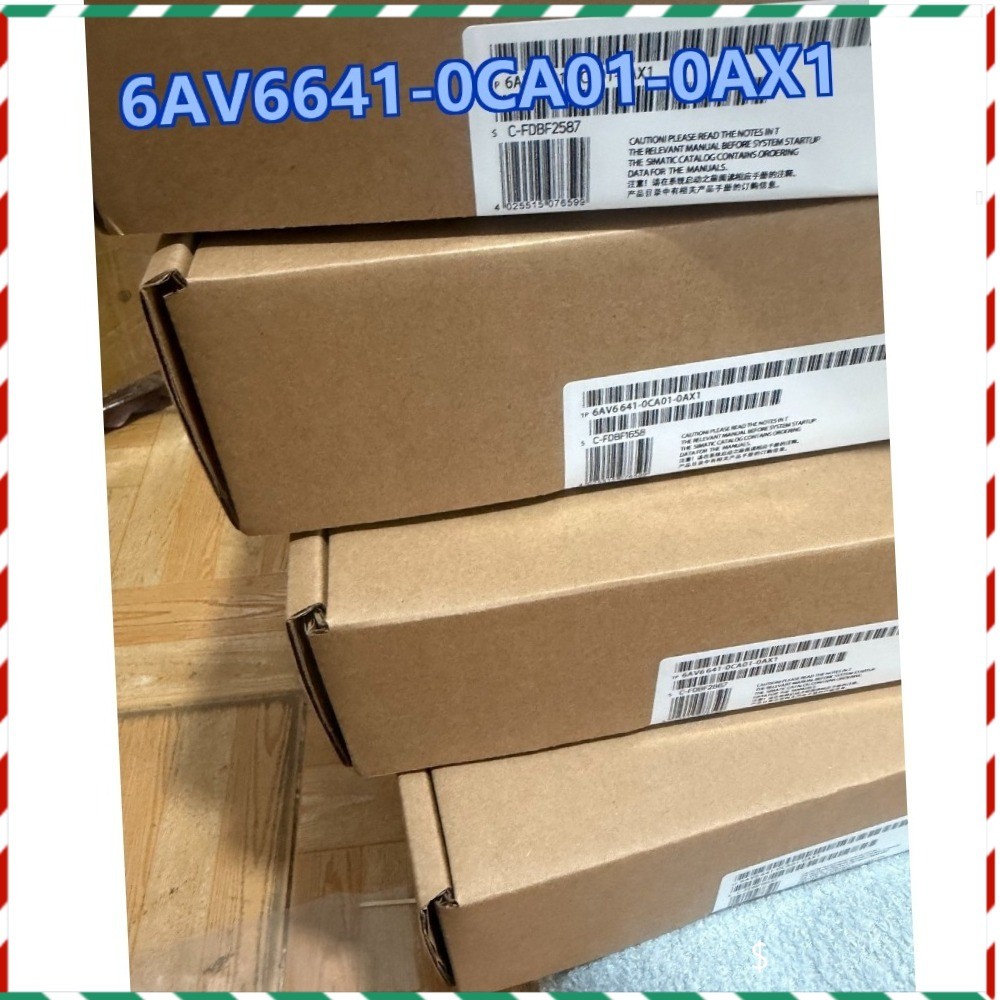
If your goal is to give an operator a clear, touch-based window into a machine, this Siemens panel matches that job. It is a panel with a German country of origin, which makes it a natural fit in a matching control environment. The trade-off is that this is the higher price in the pairing, and it is an interface rather than a controller-so it does not replace the PLC logic that drives the machine. If your build already has a controller and simply needs a modern operator view, this is the direction to look.
Mitsubishi FX3U-32MT/ES-A PLC
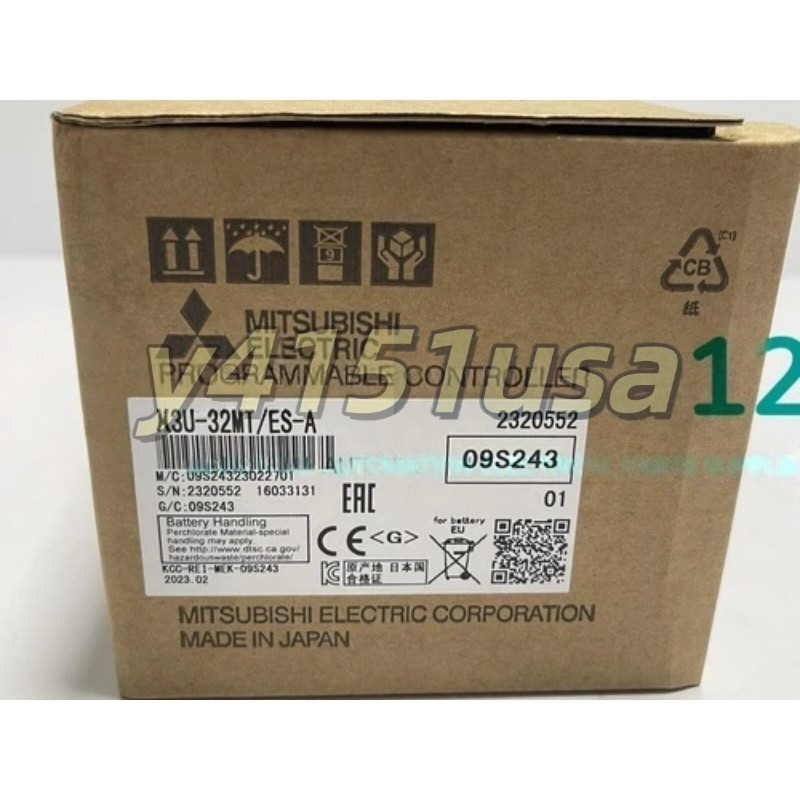
When the missing piece is the logic brain, the Mitsubishi FX3U PLC is the product to consider. It is a PLC processor module, so you get the controller side of the automation pair rather than just the display. The price sits at the lower end of the comparison, which matters when you are kitting out a control panel and want to keep room in the budget for other components. The key limitation is the reverse of the HMI situation: it is not a display, so it will not give operators a visual interface. You will still need a separate HMI or similar display for monitoring and interaction. For control logic first, this is the one to start with.
Final choice by use case
Choose the Siemens HMI touch panel at $685.35 when your control system already has logic and you need to add the operator-facing window. Choose the Mitsubishi FX3U PLC at $116.96 when you are starting from the controller and want the lower price. For a full panel, the practical order is usually PLC first to run the machine, then an HMI so operators can see and act on what the machine is doing.